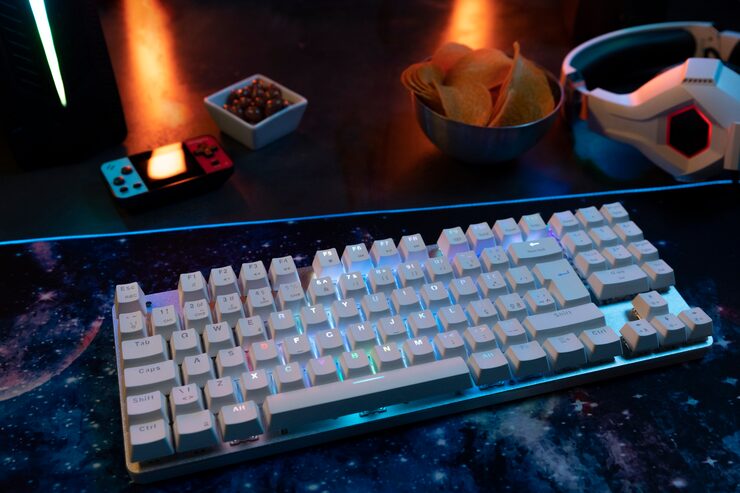

The Peripheral People Have Strong Opinions About
Few consumer technology products inspire the kind of passionate community, elaborate customization culture, and frank disagreement about value that mechanical keyboards do. At one end of the spectrum are people who type on a $30 membrane keyboard perfectly happily and find the entire mechanical keyboard discussion baffling. At the other end are enthusiasts who have spent hundreds to thousands of dollars building custom keyboards with hand-lubed switches and custom artisan keycaps, finding the hobby genuinely fulfilling.
The practical question for someone who spends many hours typing daily — writers, programmers, analysts, anyone whose primary work tool is a keyboard — is whether a mechanical keyboard provides enough tangible improvement in experience to justify the price difference over a standard membrane keyboard. The answer is meaningfully yes for most people who type significantly, and the threshold for entry-level mechanical keyboard quality that produces a noticeable improvement is lower than the enthusiast community sometimes implies.
What Makes Mechanical Keyboards Different
A mechanical keyboard uses individual physical switches under each key rather than the rubber membrane that underlies standard keyboards. Each switch has a mechanical mechanism — typically a spring-loaded stem inside a housing — that registers a keystroke at a defined actuation point, with a specific force requirement and a specific tactile or auditory feedback profile. The switch type determines the typing experience: linear switches (smooth travel with no tactile bump, preferred by many gamers), tactile switches (a noticeable bump at the actuation point, preferred by many typists), and clicky switches (both a tactile bump and an auditory click, the most satisfying to type on and the most annoying to everyone else in the room).
The durability difference is significant: mechanical switches are rated for 50–100 million keystrokes; membrane keyboards are typically rated for 5–10 million. A keyboard used for several hours daily reaches 5 million keystrokes in under three years. The mechanical keyboard that costs three times as much and lasts five to ten times longer changes the economics considerably over a multi-year ownership horizon.
Switch Types and Which Might Be Right for You
The switch type choice is more personal than technical, and the only reliable way to know your preference is to try different switch types before committing to a full keyboard. Most cities have keyboard shops or computer stores with switch testers (a small board with individual switches of different types that you can try typing on). Online communities recommend switch testers as an $8–$15 investment before any keyboard purchase decision.
For office environments where sound is a consideration: linear or tactile switches (Cherry MX Red/Brown equivalents, Gateron Red/Brown, Kailh Box Red/Brown) are significantly quieter than clicky switches and produce no more sound than a typical membrane keyboard when typing at normal pace. ‘Silent’ variants (Cherry MX Silent Red, Gateron Silent switches) add foam dampening inside the switch and are genuinely quieter than membrane keyboards. The ‘loud mechanical keyboard’ stereotype applies to clicky switches and unhoused switches; it’s not inherent to mechanical keyboards.
The Price Range and What You Get at Each Level
Entry-level mechanical keyboards ($50–$80): Keyboards like the Keychron C series, the Royal Kludge series, and similar brands at this price point provide genuine mechanical switch quality, solid build relative to price, and often wireless connectivity. These are appropriate starting points for anyone curious about mechanical keyboards who isn’t ready to commit to the enthusiast tier.
Mid-range ($80–$200): The tier where build quality (aluminum or thick plastic construction vs. thin plastic), switch quality, and features (hot-swappable switches that can be changed without soldering, per-key RGB, multiple connectivity modes) converge in ways that most daily typists find completely satisfying. Keychron Q and V series, NuPhy, and HHKB at the upper end of this range represent where the vast majority of people who ‘get into mechanical keyboards’ land and stay contentedly. Premium and custom ($200+) exists for hobbyists, not for practical typing improvement.
The Realistic Assessment for Daily Typing
The typing experience improvement from a good mechanical keyboard is real and noticeable for most daily typists — the tactile feedback, the more consistent key registration, and the improved key stability compared to flexible membrane keyboards all contribute to a slightly faster and less fatiguing typing experience. These improvements are marginal enough that some people genuinely don’t notice them; they’re consistent enough that most daily typists who switch to a good mechanical keyboard don’t want to go back.
The honest answer to ‘will I like it’ is: probably yes, if you type a lot. Try before you buy if you can. Start at the entry to mid-range level before going deeper into the hobby. And accept that the community around mechanical keyboards is genuinely enthusiastic to the point of sometimes overselling the transformative impact — it’s a nicer keyboard, not a productivity revolution.